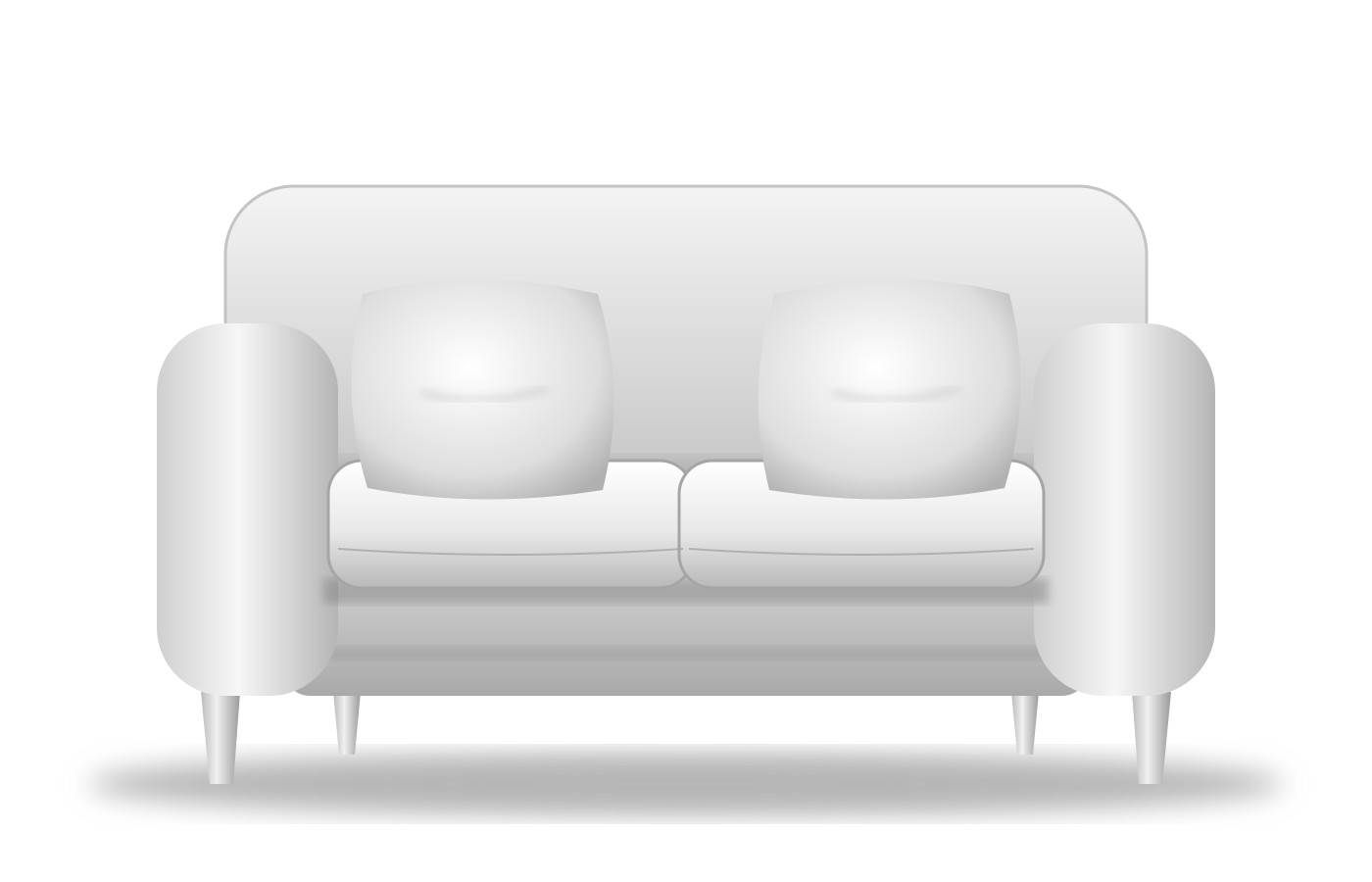
A from-scratch demo of the technique behind a product configurator I built for a furniture store. The sofa is a single grayscale photo; each part is a CSS-masked layer filled with a color or texture and blended back onto it.
Each part (frame, cushions, pillows, legs) has a mask. A layer is a div with mask-image, a fill color plus an optional tileable texture (background-blend-mode: multiply), and its own blend mode, opacity and z-order. Changing an option repaints one layer — no new image is loaded.
Prices come from ordered rules: add, set and multiply, plus condition rules that match several parts at once (velvet frame and brass legs). The breakdown under the price shows exactly which rules fired.
“Add to cart” redraws the same layer stack on a canvas and exports a WebP. In production the image is validated in PHP, stored on that exact cart line, and served through HMAC-signed URLs with cart-ownership checks.
All art, textures and code here were made from scratch for this page (no store code or images). Plain HTML, CSS and JavaScript, no libraries. Source on GitHub.